
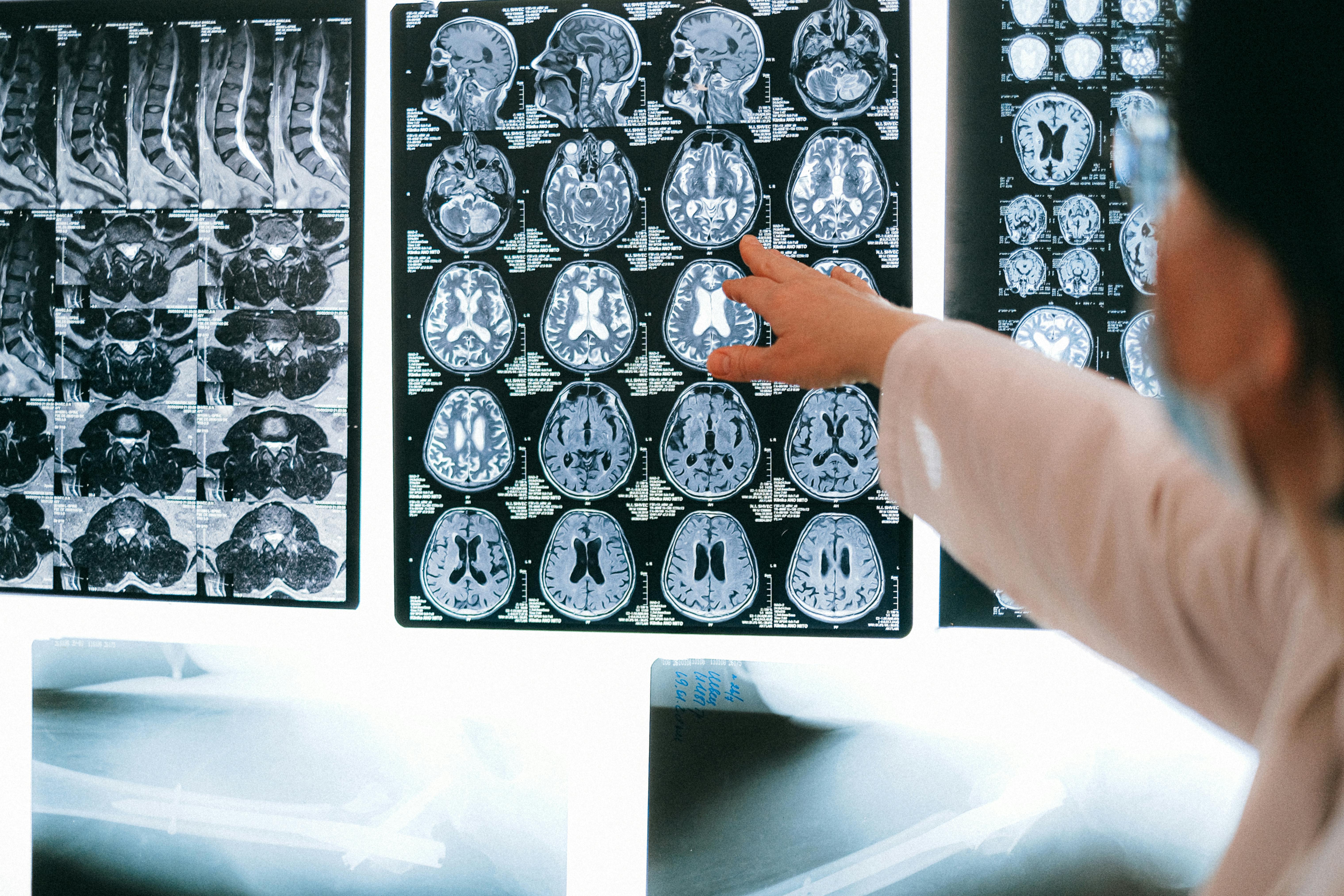
Running a hospital in India means handling huge volumes of paper — OPD files, IPD jackets, investigation reports, consent forms and insurance documents. Over time these records fill up MRD rooms, off‑site storage and even corridors.
Digitizing medical records is no longer just a “good to have”. It directly affects patient safety, audit readiness and day‑to‑day operations. This guide gives a simple, practical view of how to approach medical record digitization.
1. Start with a baseline
Before selecting scanners or software, spend time understanding:
- Approximate number of active and inactive records
- How many years of backlog you want to cover
- How many new files are created per month
- How quickly you need files during emergencies and audits
Even rough estimates by department (OPD, IPD, ER, diagnostics) are enough to start planning page volumes.
2. Decide what to digitize first
Most hospitals do not digitize “everything on day one”. A phased approach works better:
- Phase 1: Active patient files for the last 1–2 years
- Phase 2: High‑risk departments (ICU, OT, cardiology, oncology)
- Phase 3: Older MRD archives based on legal retention rules
This reduces project risk and lets your team learn what works before scaling up.
3. Choose on‑site vs off‑site digitization
There are two common models:
-
On‑site: Scanning team and equipment are placed inside your hospital.
- Pros: Records never leave the hospital; easier access during transition.
- Cons: Space and power required for the digitization area.
-
Off‑site: Files are securely shifted to a digitization center.
- Pros: Less disruption inside the hospital; high‑throughput scanners available.
- Cons: Strong chain‑of‑custody and tracking are critical.
The right model depends on your policies, space and sensitivity of records.
4. Define file structure and indexing
Digitization is not just about scanning images. To be useful, each file must be searchable. Minimum index fields typically include:
- Hospital / location
- MRD number or UHID
- Patient name and date of birth
- Department / specialty
- Admission and discharge dates
Agree these fields with clinical, MRD and IT teams before starting. Changing index structure later is expensive.
5. Plan quality checks and approvals
Medical records are sensitive. A good digitization workflow includes:
- 100% image check for clarity and completeness
- Spot check by MRD staff for every batch
- Clear rejection and re‑scan process
- Audit trail of who handled which files and when
This protects you during medico‑legal cases and regulatory audits.
6. Integrate with EMR and HIS
Digitized records are most powerful when integrated with the hospital information system (HIS) or EMR. Simple options include:
- URL links from the patient’s EMR record to the digital archive
- Single sign‑on for doctors and MRD staff
- Role‑based access so only authorised staff see specific documents
Start with a basic integration and improve as your EMR usage grows.
7. Measure benefits clearly
After go‑live, track 3–5 simple metrics:
- Average time to retrieve a file before vs after digitization
- Number of MRD visits per day by clinicians
- Space freed in MRD and storage rooms
- Monthly cost of external storage boxes reduced
These numbers help build a strong internal business case for expanding digitization across locations.
Digitizing medical records is a journey, not a one‑time project. With the right planning and partner, you can improve patient safety, support compliance and free up space — while building the foundation for a truly paper‑light hospital.